
NOL Card Balance Check Online in Dubai (2026 Guide)
Check Your NOL Card Balance
Enter your 10-digit NOL Tag ID to continue.
Want to check your NOL card balance but do not know how to check? Then no need to wait more because we are here to help you and you can get all information related to this from our website. You must monitor the balance on your NOL card if you use the Metro Tram Bus or any other RTA-run public transportation service. You can also check that either your card is active or not.
Information about how to access your transaction history through SMS, the RTA website or the RTA mobile app can be found here. You can check the balance of your NOL card offline on the RTA website, at metro stations or online through SMS.
How to Check Nol Card Balance Online: Using Our Tool
You can quickly check your remaining Check your card balance using our fast online check form. Follow these simple steps to retrieve your balance instantly.
- Enter Your 10-Digit Tag ID: Type your 10-digit Enter the Nol Tag ID into the designated input box. Make sure you use the tag number printed on the back of your physical card.
- Submit the Form: Click the Check Nol Card Balance button to process your request. Your current card balance, expiry date, and active status will display immediately on the screen.
All-Ways to Check Your NOL Card Balance at a Glance
| Method | Best For | Requirement | Speed |
|---|---|---|---|
| Nol Pay App | NFC phone users and quick top-ups | Smartphone with NFC | Instant |
| Online Form / Website | Quick balance checks in any browser | 10-digit NOLS tag ID | Instant |
| SMS Service (511) | Checks without mobile internet | Registered UAE phone number | 1–2 minutes |
| WhatsApp (Mahboub) | Quick chatbot interaction | WhatsApp app | Instant |
| Ticket Vending Machine | Station travelers and cash top-ups | Physical metro or bus station | Instant |
Fares by Card and Zone
Fares depend on how many zones you cross during a trip, not on distance in kilometers. Here is what RTA’s own fare table shows per zone band:
| Zones Crossed | Silver Card | Gold Card | Personal Card | Red Ticket |
|---|---|---|---|---|
| Within 1 zone | AED 3 | AED 6 | AED 3 | AED 4 |
| 2 adjacent zones | AED 5 | AED 10 | AED 5 | AED 6 |
| More than 2 zones | AED 7.50 | AED 15 | AED 7.50 | AED 8.50 |
Gold Class passengers pay a gold surcharge on top of the regular fare, but only once per zone, even if they transfer between the tram and Metro within the same journey.
Card Type Comparison
RTA offers several NOL card types, and the differences matter more than most people realize, especially the actual credit you get on each one.
| Card | Price | Included Credit | Max Balance | Validity |
|---|---|---|---|---|
| Silver | AED 25 | AED 19 | AED 1,000 (anonymous) / AED 5,000 (registered) | 5 years |
| Gold | AED 25 | AED 19 | AED 1,000 (anonymous) / AED 5,000 (registered) | 5 years |
| Personal (Blue) | AED 70 | AED 20 | AED 5,000 | 5 years |
| Red Ticket | Paper ticket, no card fee | Rechargeable | Up to 10 trips or 5 daily passes | 90 days or 10 trips |
Alternative Ways to Check NOL Card Balance
Other ways to check your NOL card balance include ticket machines, metro station counters, and RTA service centers.
How to Check Nol Card Balance via SMS: Send to 511
SMS can be a useful option when you cannot access the Nol Pay app or RTA site. You can use your registered mobile number and NOL Tag ID to request the balance. Below, you can follow the basic SMS steps to check your Nol card balance more easily.
- Register Your Nol Card for SMS Balance Checks: Link your Nol card with your mobile number using the 10-digit Nol Tag ID printed on your card.
- Send Your NOL Tag ID to 511: Create a message with only your NOL Tag ID and send it to 511 from a UAE mobile number. Once accepted, use the same phone for future requests.
- Use the BAL Command to Check Balance: After registration, send BAL or Balance to 511 whenever you want to check your balance.
- Receive Your NOLS Balance by SMS: A successful request sends your available balance by text. If you recently topped up and the amount looks old, tap or scan your card to activate the pending balance.
Check Nol Card Balance Using WhatsApp & Mahboub Chatbot
If you prefer using WhatsApp, the Mahboub chatbot gives you another easy way to check Nol card balance services from your phone. Here are the simple steps you can follow to check your Nol balance through WhatsApp.
- Save the Official RTA Number: Add +971 58 800 9090 to your contacts to reach RTA Mahboub on WhatsApp. Using this official listed number avoids fake accounts.
- Start the Chat: Send a simple message like “Hi” or “Check Nol Balance” to begin. The chatbot supports both Arabic and English.
- Select Nol Card Services: Now, select the Nol balance option from the main menu options. This keeps the chat focused on your balance inquiry.
- Enter Your 10-Digit Tag ID: Type your 10-digit NOL Tag ID when prompted by the bot. Do not enter any other reference numbers printed on the card.
- View Your Balance: Mahboub will display your available card balance directly in the chat. If the request fails, switch to the official RTA website or Nol Pay app.
RTA Nol Pay App: NFC Balance Check & Virtual Cards
- Download the Official App: Download the official Nol Pay app provided by RTA from supported app stores. Using the official version ensures your card and payment information stay safe.
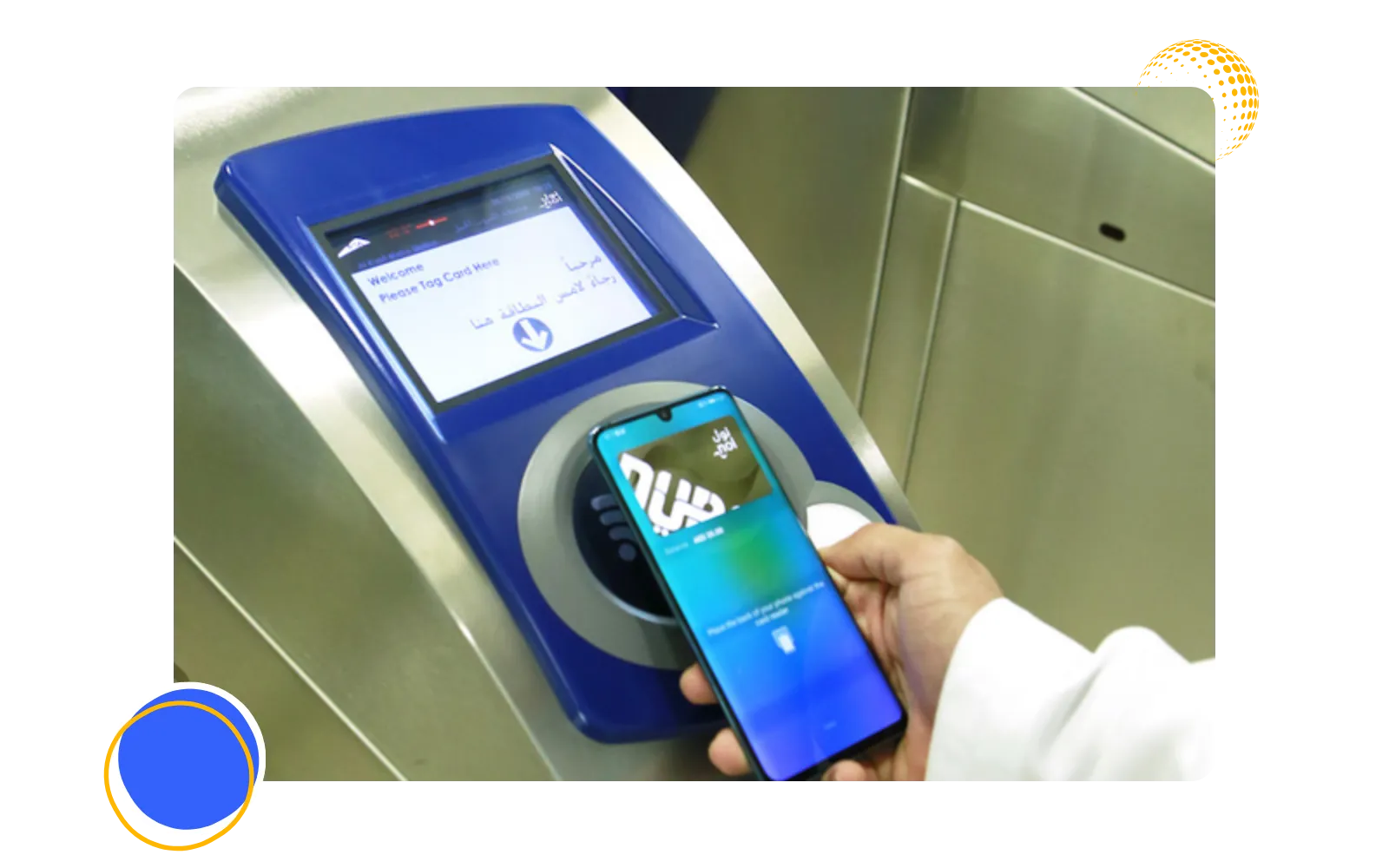
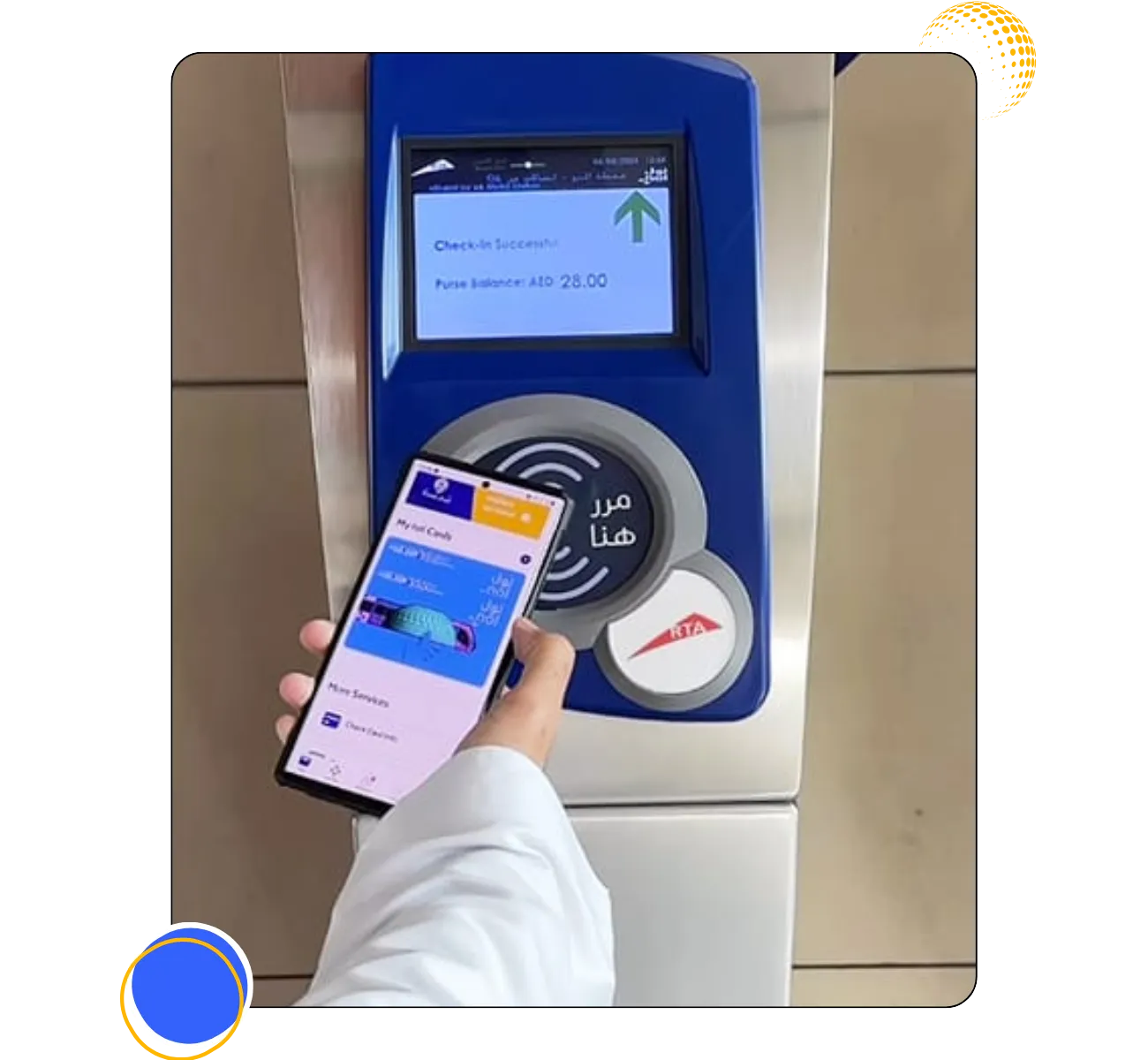
- Check Balance Using NFC: Hold your physical card against an NFC-enabled phone to read its details instantly without typing the tag ID. The app displays your active balance and card information immediately.
- Set Up a Virtual Nol Card: Manage virtual cards through Nol Pay on compatible Samsung and Huawei devices. Convert physical anonymous cards to virtual ones using simple in-app NFC steps.
- Top Up Your NOL Balance: Recharge your card directly from your phone to save a trip to station vending machines. The app supports instant top-ups and real-time balance inquiries.
- View Travel Passes on Mobile: Purchase and manage travel passes directly within the Nol Pay app. This gives you one central place to track both your stored balance and active passes.
How to Check Nol Card Balance at Metro Stations
- Find a Ticket Machine: Locate any Ticket Vending Machine (TVM) or designated balance-inquiry device inside the station. These self-service machines are positioned near entrance gates and ticket counters.
- Place Your Nol Card on the Reader: Insert or place your physical Nol card onto the designated card reader area. Hold it still for a second so the machine can read the card chip.
- View Your Current Balance: The screen displays your available card balance and card expiry status immediately. If your balance is low, use the same machine to top up with cash or a bank card.
- Continue Your Journey: Retrieve your card once the screen updates with your latest balance details. You can now tap through the Metro gates with confidence.
Managing Your Nol Card Balance & Transactions
Easily manage your Nol Card balance and transactions by checking funds, reviewing travel history, and topping up when needed.
How to Check Nol Card Transaction History
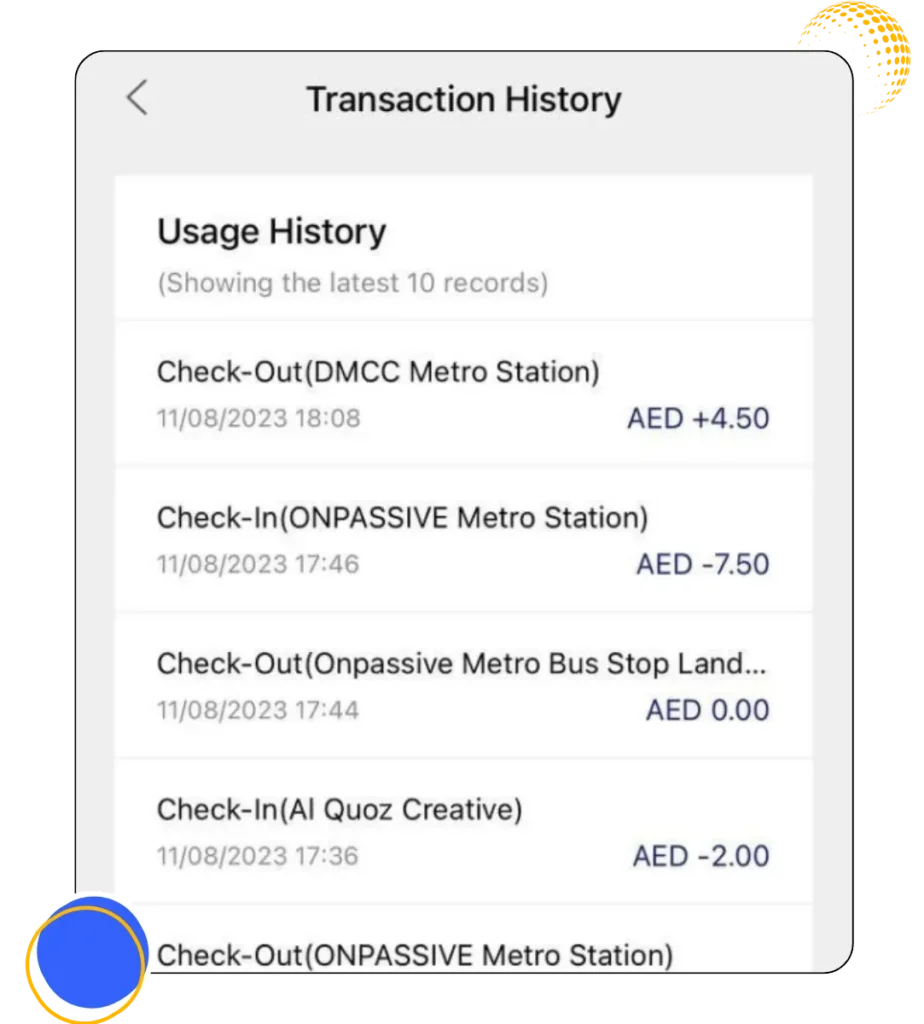
The NOL card balance transaction history gives you a clear record of recent trips, top-ups, and payments made with your card. You can review these details through the available RTA card services.
- You can open the Nol card management service through the RTA site or Nol Pay app and sign in to the account linked to your card.
- Choose your registered or personal Nol card, then open its card information or history section.
- Review recent Metro, tram, bus, top-up, or other recorded No transactions shown for the available period.
- If you notice a fare that looks incorrect, the journey date and transaction details can make a refund or support request easier.
- The upgraded account-based Nol system is also being designed to provide daily transaction statements once its wider rollout is completed.
Delayed Online Balance Updates: Pending Activation
A pending Nol card balance may appear when you top up your Nol card online, but the new amount has not reached the card yet. The payment can already be recorded in the system while activation is still pending.
- RTA states that some online top-ups can take around 45 minutes to 4 hours before they are ready for activation.
- The pending amount can be activated by scanning the card with Nol Pay or tapping it at a supported Metro gate or solar top-up machine.
- A bus validator cannot be used to activate this type of pending top-up, so another supported device is needed first.
- If the amount still remains pending after the normal activation window, checking the card in Nol Pay or contacting RTA can help confirm whether the transaction was completed.
- For a refund transferred to another Nol card, RTA also asks users to tap the receiving card after the approval SMS so the transferred value can be loaded.
How to Apply for a Nol Card Refund or Balance Transfer?
When a registered Nol card is lost, damaged, or no longer usable, you may still recover the remaining balance. RTA offers refund and balance transfer options for eligible cards. The available method depends on your card status and request type.
- Check Refund Eligibility: Registered cardholders can request refunds for active balances, non-activated top-ups, or unused travel passes. Eligibility requires meeting standard RTA conditions.
- Transfer Balance to a New NOL Card: Approved balances can be moved to another personal or registered card free of charge. You must tap the new card on an online reader to activate funds.
- Submit Refund Requests Online: Log into the RTA portal, select “Refund,” enter your Tag ID, and choose your preferred refund method.
- Recover Balance From Lost Cards: Report lost or damaged cards immediately to safeguard remaining credits. You may need to request a replacement before transferring your balance.
- Check Refund Fees and Processing Time: Cash refunds incur a 2.5% or AED 5 fee, while card transfers are free. Most requests are processed in 4 working days with SMS updates.
How to Fix Common Nol Card Issues & Errors
Nol card balance issues can sometimes appear while checking your balance, topping up, or scanning the card. These problems may come from the app, card details, or delayed updates. Here are the common Nol card issues and the solutions you can use.
- Website and App Downtime Errors: If the RTA page or Nol Pay app is temporarily unavailable, another official channel such as a Metro ticket machine or Mahboub may still work. Trying again later can also help when the issue is only a short service interruption.
- Wrong NOLS Card Numbers: The balance service needs the NOLS Tag ID, so another serial or reference number may return an error. The current RTA balance page asks specifically for the Tag ID before carrying out the search.
- Missing SMS Balance Replies: No reply from 511 may mean the card was not registered correctly or the legacy SMS route is not available on that mobile line. Since RTA’s latest balance FAQ highlights Nol Pay and the website, those channels provide a safer backup.
- Nol Pay App Crashes: An outdated app version, weak connection, or temporary phone issue can cause the app to close or freeze. Updating Nol Pay, reopening the phone, and signing in again may clear a simple app-side problem.
- Delayed Balance Updates: Your online top-up may remain pending until the amount reaches the physical card chip. RTA says some top-ups can take 45 minutes to 4 hours before activation through Nol Pay, a metro gate, or a solar top-up machine.
- NFC Card Scanning Problems: NFC scanning works best when NFC is enabled and the card is held against the correct area on the phone for a few seconds. If my phone could not read it, entering the Tag ID manually would be the easier alternative.
What is a NOL Card and How to use it?
The RTA (Roads and Transport Authority) of Dubai issues Nol cards which are smart travel cards that store prepaid credit for convenient payments. Given that it is primarily used in public transportation the Arabic word Nol means fares. You can also calculate nol card fares.
You can easily pay for RTA buses, trams, taxis, Dubai Metro and even maritime transportation with a Nol card. In addition to transportation, Nol cards are accepted at supermarkets, restaurants, grocery stores, parking lots, gas stations and retail establishments all over Dubai.
To accommodate the needs of locals, students, and tourists, Dubai provides a variety of Nol cards, including the Student Nol Card for eligible students. Additionally, if you forget your physical card, you can also travel using a Virtual Nol Card on your smartphone.
Types of NOL card:
These are some most commonly used types of NOL cards. Here we explain them, so that you can understand about these all types.

Silver Nol Card
The Silver Nol Card is the most widely used daily option for commuters using the bus tram and metro. It offers reasonable fares for all modes of transportation as well as RTA services making it the most popular metro and bus pass in Dubai.

Gold Nol Card
Access to first-class private cabins on the Dubai Metro and tram is possible with a Gold Nol Card however the fares are higher. It provides access to the Gold Class cabin on the Dubai Metro and Tram which has better seats and more comfort but costs more.

Red Ticket NOL Card
The best option for tourists or infrequent travelers is the Red Ticket, a temporary paper ticket. It is a paper-based metro pass that allows visitors or short-term visitors to travel throughout Dubai transportation up to ten times.

Blue Nol Card
Your Emirates ID is linked to your personalized Blue Nol Card, which provides balance protection and student/discounted options. It offers monthly pass options, online recharge, and balance protection through links to your Emirates ID. If you frequently visit Emaar destinations, you can also consider the Emaar Nol Card, which combines public transport benefits with exclusive offers at participating Emaar locations.
Latest Updates: RTA Account-Based Nol System Upgrade
Dubai is gradually upgrading the Nol system from a card-based setup to Account-Based Ticketing (ABT). The new system will connect more travel and payment services with a central digital account. Here are the main updates you can expect from the upgraded Nol system.
RTA Digital Account Upgrade
The upgraded system is being designed around customer accounts rather than keeping everything only on a physical card. Your own cards and eligible family cards will be linked with profiles that can be managed from a central account.
Digital Wallets & QR Code Tickets
QR tickets, smartphone digital wallets, new-generation Nol cards, bank cards, and other payment methods form part of RTA’s ABT roadmap. Some features are still being rolled out, so they should not yet be treated as available on every journey or device.
Family Cards & Auto Top-Ups
Family-card management is already available through the upgraded Nol Pay experience, including linking cards and adding balance for family members. RTA has also introduced scheduled family top-ups, while the wider ABT system plans bank-linked automatic recharge features.
Instant Card Suspension & Balance Transfer
The new account-based system is intended to make card blocking and balance recovery much easier from a customer account. For the current service, however, RTA says a reported lost or stolen personal card can be blocked within 48 hours, so “instant suspension” is better understood as part of the developing system rather than a current guarantee.
Everyday Retail & Online Spending:
NOL cards already work for transport and selected non-transport payments, while the new generation is expected to go further. RTA says the upgraded system will support shopping through digital channels and retail outlets across the UAE in a way that is closer to normal bank-card use.
How to Contact RTA Dubai Customer Support?
If you still face a problem with your Nol card balance, refund, Tag ID, or app, RTA provides several support options. Keeping your Nol card details and transaction reference ready can help you get support more easily.
- Call the 24/7 Support Hotline: UAE callers can dial 800 9090, while overseas callers can use +971 4 605 1414. Phone support is available 24 hours a day.
- Contact via Official Email: Send inquiries and screenshots to ASK@rta.ae. This option works best for detailed written complaints.
- Visit a Customer Happiness Centre: Centers operate across Dubai, including Al Barsha, Al Kifaf, and Deira. The Umm Ramool location remains open 24/7.
- Reach RTA on Social Media: Connect through verified social channels linked on RTA’s website. Avoid sharing sensitive card details on public posts.
- Use WhatsApp & Live Chat Support: Access the Mahboub chatbot on RTA’s website or app. You can also message +971 58 800 9090 on WhatsApp.
Check NOL Card Balance Online
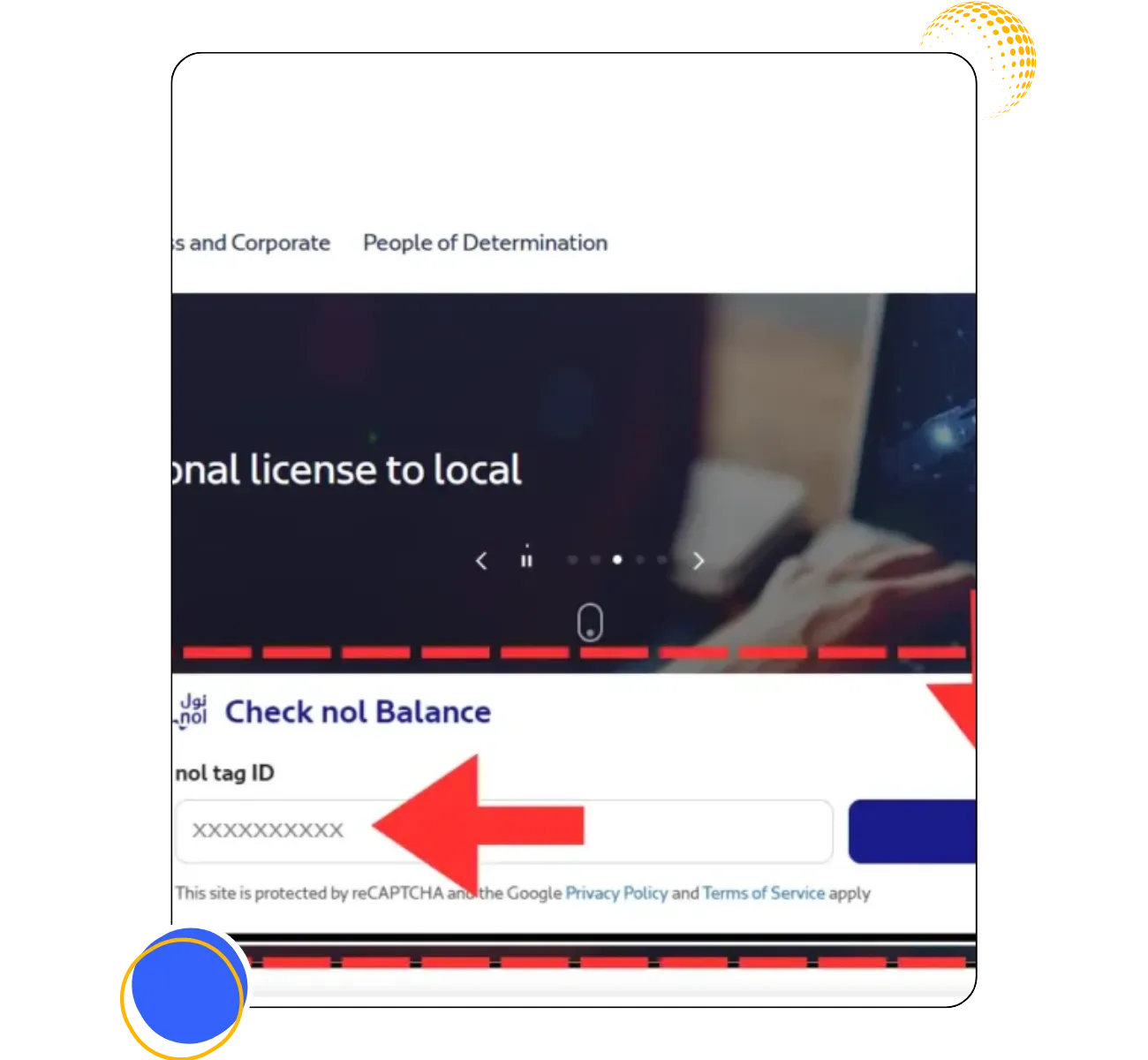
If you want to check your NOL card balance then you can use our provided form. Here are step by step guidelines for your convenience.
First enter the NOL Card ID.
Enter NOL Card Tag ID in the designated field. Input your NOL cards 10-digit ID here.
Second send in the form.
To view your NOL card balance click the Check NOL Card Balance button.
Visit RTA website for Nol card balance check
Sometimes you may be curious about how much money is left on your handy NOL card when you use it to pay for parking or to ride the metro and buses. This comprehensive guide to the RTA NOL Card Balance Check will assist you in doing just that
Using SMS for nol card Balance check
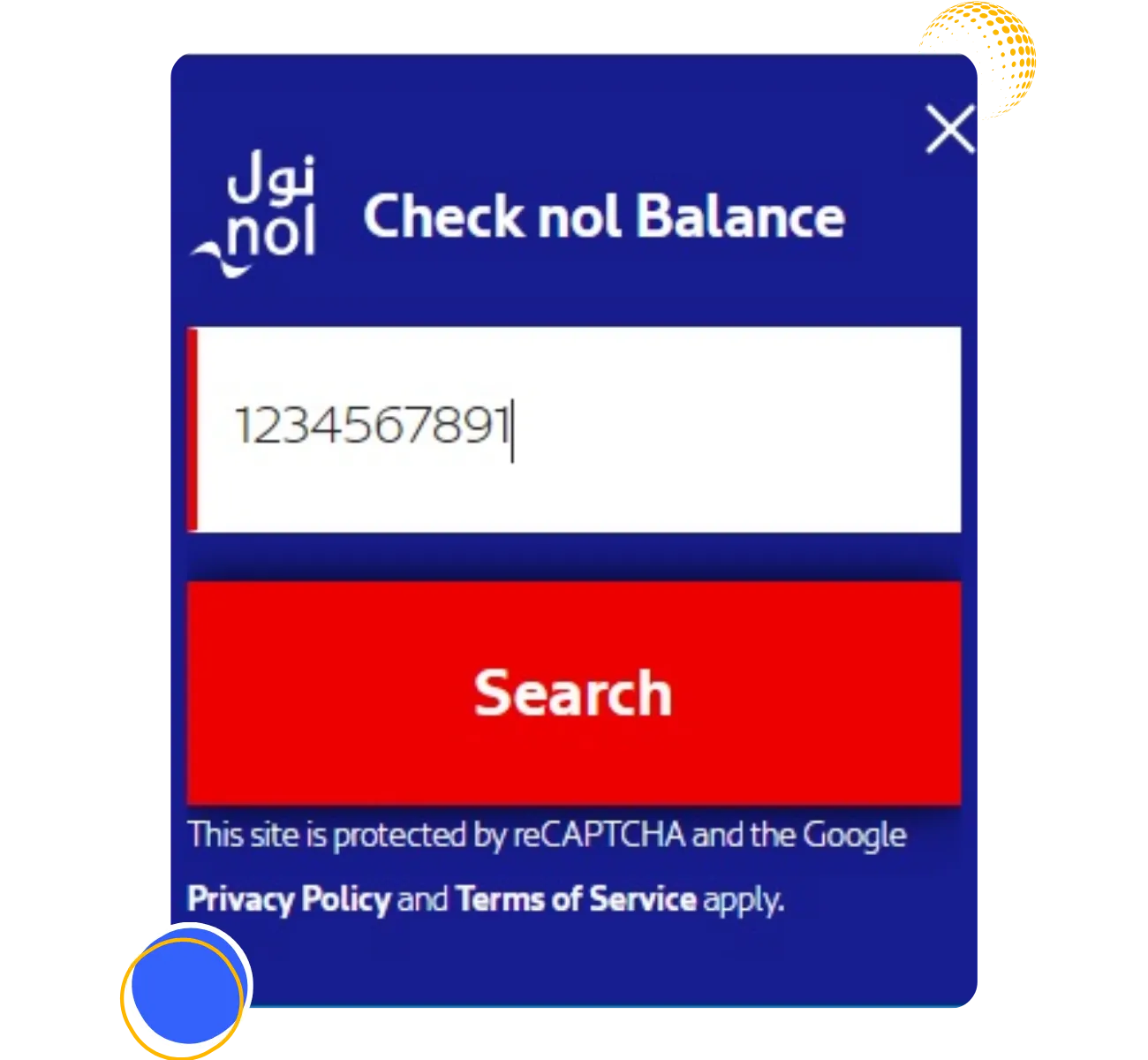
Use these easy steps to get your NOL card balance check via SMS.
Users can send a text message with their Nol Card details to receive balance information directly on their phones through an SMS service.
Verifying the Balance on Your NOL Card at Metro Stations.
It’s quick and easy to check your NOL card balance at Dubai metro stations. Self-service where you can simply tap your NOL Card against the designated reader are positioned thoughtfully at each metro station.
Before you start your trip the screen instantly shows your current balance so you are always aware of its status. These serve as a one-stop shop for all of your NOL Card requirements because they not only offer balance information but also ways to top up your card.
These quick and easy steps will also allow you to check your balance on your NOL card at the metro station.
Find a machine
In the metro station proceed to any ticket vending machine or balance inquiry device.
Press Your Card
In the card reading area place your NOL card.
Examine the display.
You will immediately see your current balance. If you have a low balance use the same machine for a nol card recharge and continue Your journey.
Continue your journey.
Now that you are aware of your balance you can proceed with your trip with assurance!
NOL through the play store app.
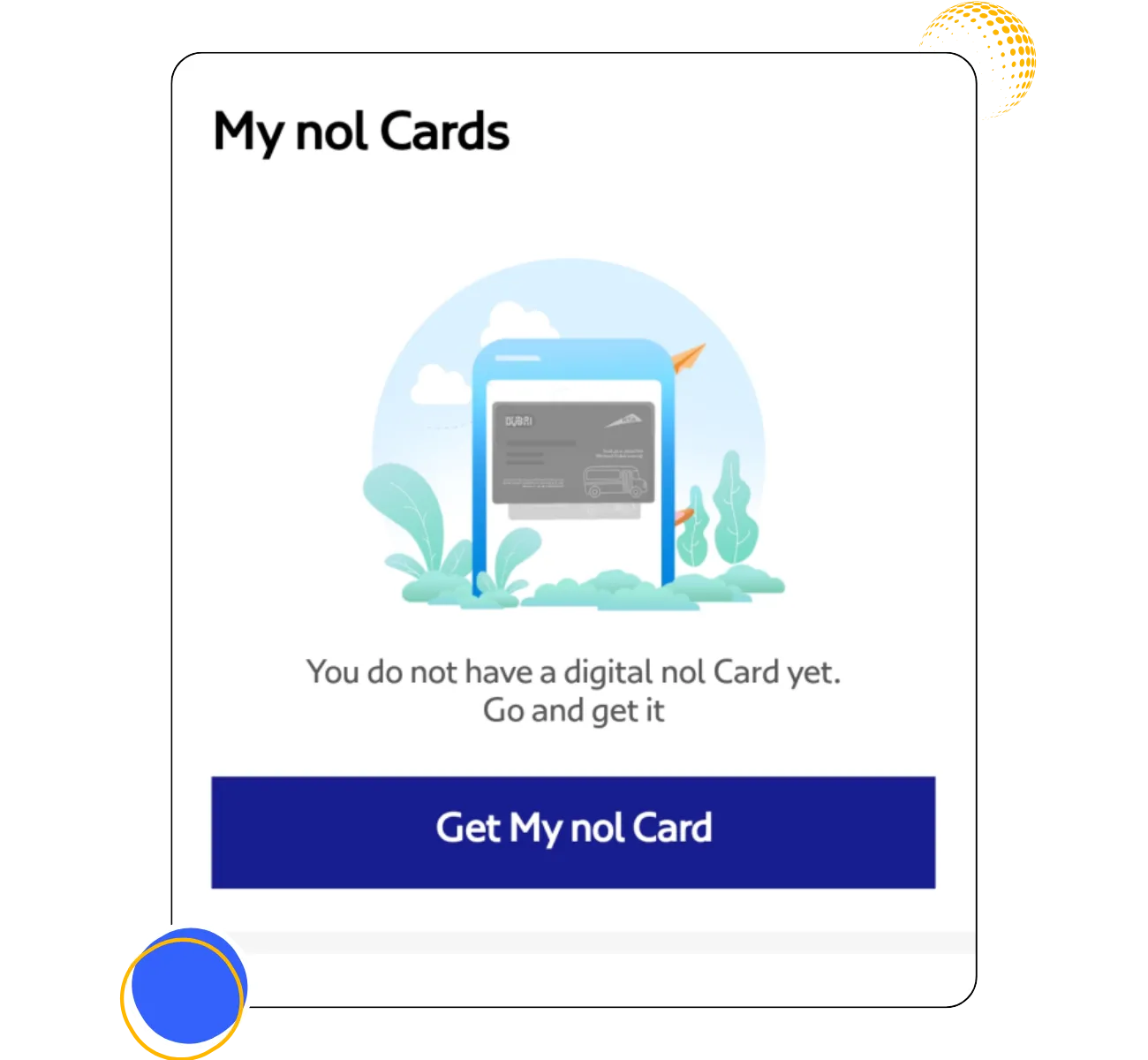
What are the different methods to check the balance on Your NOL Card?
Users can find out their Nol Card balance in Dubai in different ways giving them flexibility and convenience.
Roads and Transport Authority (RTA) Website:
Users can check their balance and transaction record by entering your card details into their NOL account on the official RTA website.
RTA Dubai App:
The RTA Dubai app gives you a simple interface for mobile NOL card balance checks and is suitable with both iOS and Android smartphones.
Ticket vending machines:
Users can find their balance and again charge their cards at the ticket vending machines which are provided by all metro stations, bus stations and a few other strategic places.
Customer service centers:
Checking NOL card balances is one of the services provided by RTA customer service centers located throughout Dubai.
NOL Card Readers:
When the card is tapped NOL Card Readers which are installed at metro stations, bus stations and some retail locations can show the balance.
SMS Service:
Users can obtain their current balance details by texting a specific RTA number with the card’s unique ID.
Retail Outlets:
A few approved merchants and stores with NOL card readers are available to offer balance information check facility.
How to Verify Your Nol Card Transaction History.
RTA NOL Card advantages.
There are a number of advantages to using the RTA Nol Card. A selection of these are listed below.
Why Use Our NOL Card Balance Checker
Our NOL balance checker makes it quick and hassle-free to stay updated on your card balance. In just a few clicks, you can view your balance anytime and from anywhere. We value your privacy, so your card information is never stored. The service works with all NOL card types, including Silver, Gold, Blue, and Red Ticket cards, and it’s completely free to use online, through the app, or at metro stations.
You can also maximize your benefits by enrolling in the NOL Plus rewards program and collecting points on eligible purchases. You can also get reward points if you sign up for the NOL Plus program.
Conclusion
It’s critical to monitor your NOL card balance in order to have a seamless trip to Dubai. Being aware of your balance helps you avoid any problems when traveling by taxi, bus, tram or metro. The RTA website SMS ticket machines and the Nol Pay app are just a few of the convenient ways you can check it.
FAQS Related NOL card balance check